Lectures
Lecture transcription
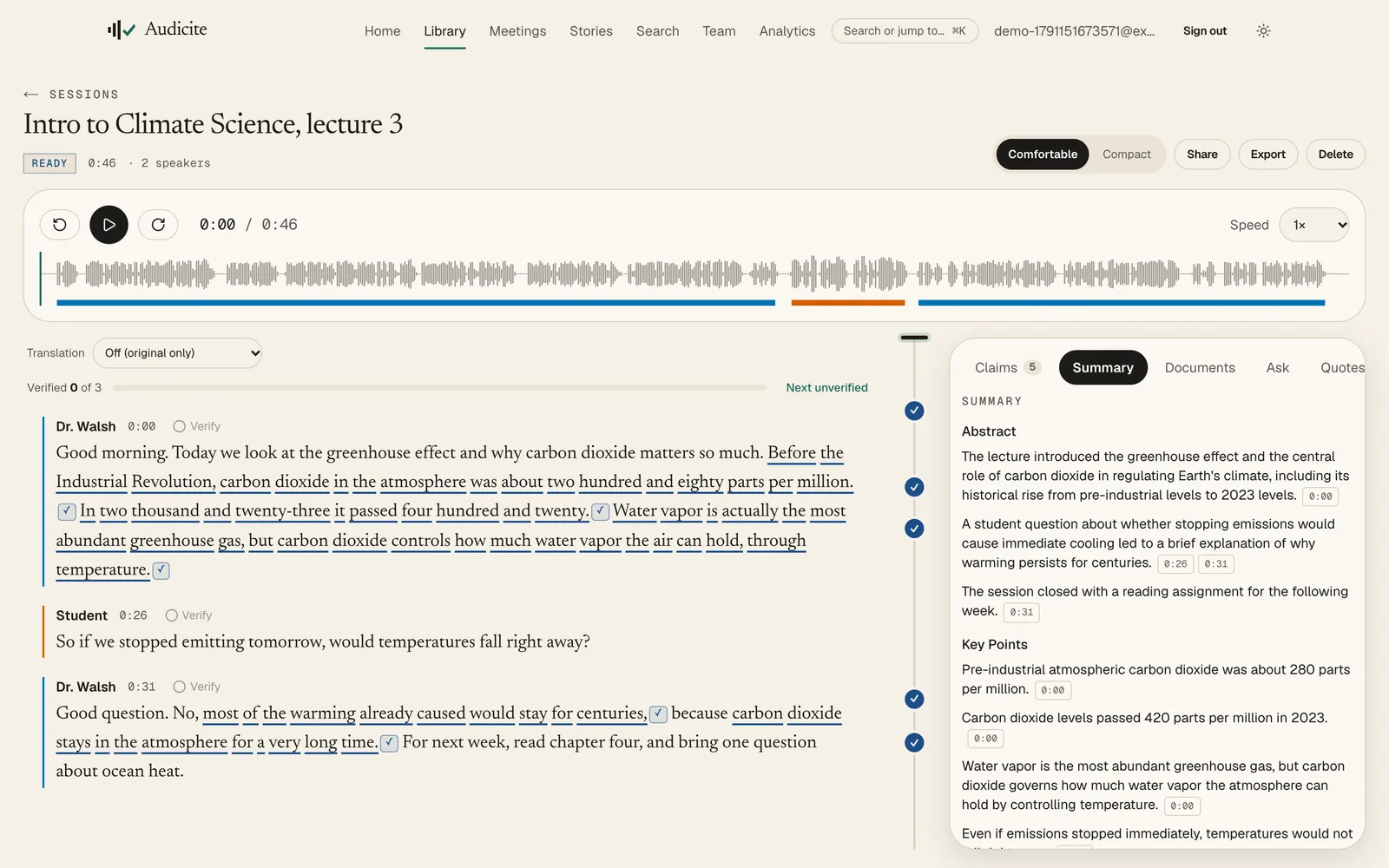
Audicite transcribes lectures live on a laptop or phone, or from a recording, and turns them into a searchable transcript with a summary, chapters and captions. Students can ask the lecture a question and get the answer quoted from it, and read a translation under each paragraph.
Updated by Audicite
Who it is for
- Students revising from recorded classes
- Educators publishing accessible lectures
- Language learners
What Audicite does
- Records live in the classroom or transcribes the lecture capture
- Writes a summary with key points and chapters linked to each moment
- Answers questions about the lecture, quoting it
- Translates into 100 languages and exports captions
Key facts
| Live or recorded | Both |
|---|---|
| Ask the lecture | Answers quoted from the transcript, linked to the moment |
| Accessibility | Captions (SRT, WebVTT) and translations |
| Languages | 82 for transcription (59 live), with automatic detection; translation into 100 |
| Price | Free trial (30 minutes, no card), then $14.99 per person a month |
How it works
- 01Record. Start live on a laptop or phone, or upload last week’s capture.
- 02Revise. Read the summary and chapters, jump to any moment.
- 03Ask. “What did she say about water vapour?” returns the quote.
Examples
A two-hour lecture
Revised from a summary and chapters instead of the full video.
Questions
Can I record a lecture on my phone?
Yes. Open Audicite in the phone’s browser or install it, and start live in one tap.
Can I translate a lecture?
Yes, into 100 languages, shown under each paragraph or exported.