Research
Transcription for researchers
Audicite helps researchers transcribe interviews and focus groups with speakers and timestamps, organise them by study, and find the exact quote across hundreds of hours. Participant details can be hidden in exports, retention can be set per workspace, and all data can be downloaded when a study ends.
Updated by Audicite
Who it is for
- Academic and qualitative researchers
- User researchers
- Market researchers running focus groups
What Audicite does
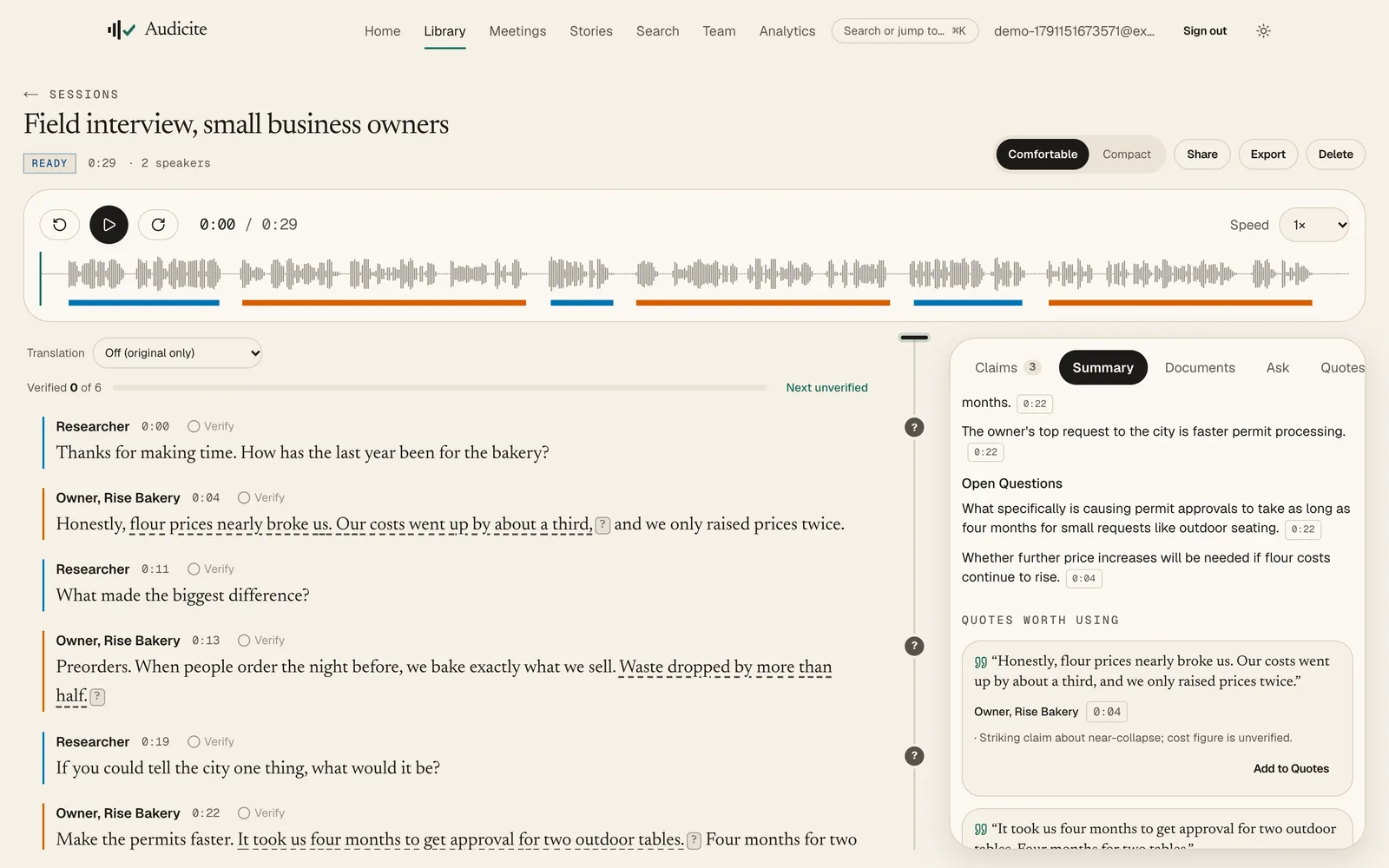
- Labels interviewer and participants, including several people in a group
- Groups sessions in collections and tags, searched together
- Hides names, emails and numbers in exports
- Sets how long recordings are kept; download all data any time
Key facts
| Speaker labels | Yes, automatic; rename a speaker once and it changes everywhere |
|---|---|
| Organise | Collections and tags; search across every transcript |
| Privacy | Redaction in exports, retention controls, data export, account deletion |
| Export formats | Word (DOCX, with sources), PDF (with sources), Plain text, SRT captions, WebVTT captions, EBU STL subtitles, EDL (rough cut), CSV, HTML, XML, JSON |
| Price | Free trial (30 minutes, no card), then $14.99 per person a month |
How it works
- 01Collect. Record in person, on a call, or upload from any device.
- 02Organise. File each session in the study’s collection, with tags.
- 03Analyse. Search a theme across the study; play each quote before you cite it.
- 04Report. Export with participants’ details hidden.
Examples
A 20-interview study
One search finds every mention of a theme, with the audio.
Questions
Which transcription tool is best for researchers?
Look for speaker labels you can correct, verbatim quotes with timestamps, search across a whole study, redaction and data export. Audicite provides all of these; the comparison page lists other tools.
Can I hide participants’ names?
Yes. Redaction hides names, emails and numbers in exports.